


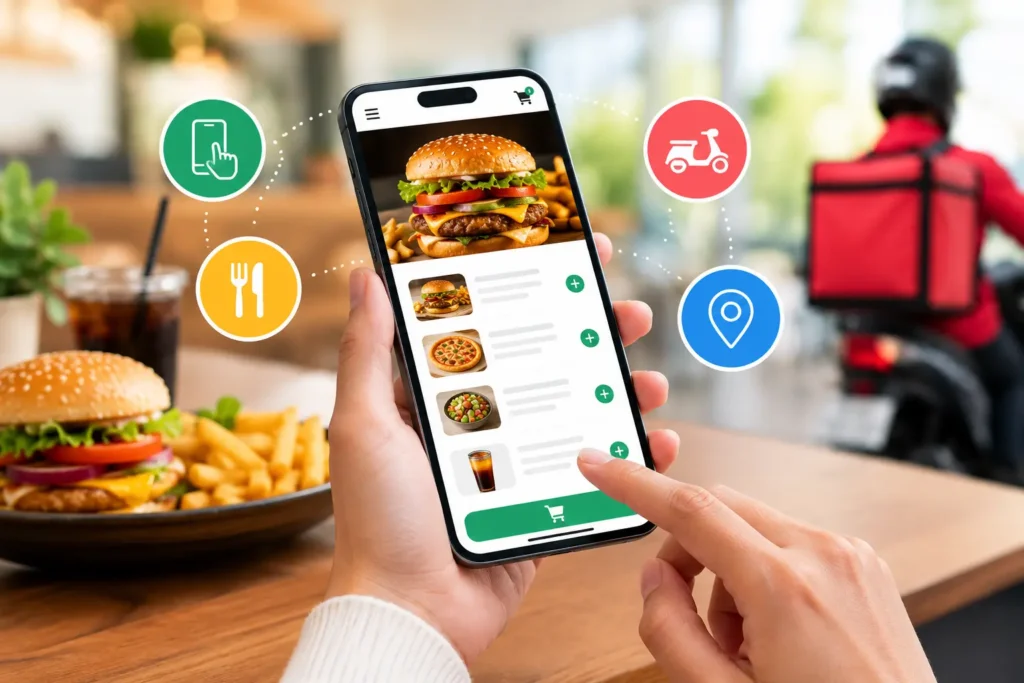
Ask ten restaurant owners what an online ordering app is and you will get ten answers. One thinks of Foodpanda. Another thinks of the order form on their website. A third thinks of the WhatsApp number printed on their boxes. All of them are partly right, which is exactly why the term causes so much confusion when it is time to choose one.
An online ordering app is the tool that lets your customers order food from you without calling or queuing. This guide explains what it is in plain terms, how it works for the customer and for your staff, the main types restaurants use, the features that matter, and how to tell whether your restaurant needs one.
What Is an Online Ordering App?
An online ordering app is software that lets customers view a restaurant’s menu, customise and place an order, and pay from a phone or computer, then sends that order to the restaurant’s POS and kitchen. It can run as a mobile app, an ordering page on the restaurant’s website, a chat channel such as WhatsApp, or a listing on a delivery marketplace.
Every online ordering app has two halves. The customer side is what people see: the menu, the cart, checkout, and order tracking. The restaurant side is what your team sees: incoming orders, order status, payments, and reports. When people compare ordering apps, they often look only at the customer side, but the restaurant side decides whether orders flow smoothly on a busy night.
How Does an Online Ordering App Work?
What the Customer Sees
- Open the menu through your app, website, a link on Instagram, or a WhatsApp chat.
- Build the order, choosing items, sizes, add-ons, and notes such as “no onions” or “less spicy”.
- Chooses how to receive it: delivery, takeaway, or, for in-restaurant digital ordering, a table number.
- Pays by cash on delivery, card, mobile wallet, or bank transfer.
- Gets a confirmation and live updates until the food arrives or is ready to collect.
What the Restaurant Sees
- The order arrives in one queue with the items, notes, address, and payment status already filled in.
- Staff accept it, and the order goes to the kitchen screen or printer, ideally without anyone retyping it into the POS.
- The kitchen prepares it and marks it ready.
- A rider is assigned for delivery, or the customer is told the order is ready for pickup.
- The sale is recorded in the same reports as counter sales, along with the customer’s order history.
The quality of an online ordering app shows up in that second list. If staff have to copy orders from a tablet into the POS, or chase the kitchen for updates, the app is only moving the work around. Connecting the app to your cloud based POS system and kitchen display system is what removes that double handling. We cover the setup in online ordering POS integration.
Types of Online Ordering Apps Restaurants Use
Most restaurants end up using more than one of these. Knowing what each one is good at helps you decide where to put your effort.
Branded Mobile Ordering App
A mobile app with your restaurant’s name and logo that customers download from the Play Store or App Store. It works best for regulars, because it can save addresses and past orders and send notifications. The challenge is persuading people to install it in the first place.
Website Ordering Page
An ordering page on your own website. Customers open it from a link and order straight away, with no app to install. It is often the easiest starting point, and it is where Google, Instagram, and WhatsApp links can send people directly. Our guide on mobile and web-based online ordering apps compares the two in more detail.
Delivery Marketplace Apps
Apps such as Foodpanda list many restaurants in one place and often handle delivery too. They are useful for being discovered by new customers, but they charge commission on each order and keep most of the customer relationship.
WhatsApp and Chat Ordering
Many customers in Pakistan already message restaurants on WhatsApp to order. A structured chat flow, or WhatsApp AI ordering, turns those messages into proper orders with a menu, a total, and a confirmation instead of a back-and-forth conversation.
QR Code Table Ordering
For dine-in, a QR code on the table opens the menu on the guest’s phone. Guests order and sometimes pay without waiting for a waiter, and the order goes straight to the kitchen. It suits cafes and busy casual dining restaurants where waiting for staff slows table turnover.
Your Own Ordering App vs a Delivery Marketplace
The real choice for most restaurants is not one or the other, but how to balance them. A marketplace brings new customers. Your own online ordering app keeps the full order value and the customer’s details, so it is where repeat customers should end up.
Commission is the reason this matters. In 2020, Karachi restaurants boycotted Foodpanda after it sought to raise commission from 18 percent to between 25 and 35 percent, as reported by Arab News. Rates differ by agreement and have changed since, but every repeat order you move to your own channel improves your margin. For the full cost comparison, see our guide to online ordering apps for restaurants: what they do, what they cost and how to choose one.
Key Features of a Good Online Ordering App
- Ease of use: customers should be able to order in a few taps, and staff should be able to accept and update orders without training manuals.
- Reliable support: when something breaks during the dinner rush, you need a quick answer, not an email reply the next day.
- Flexibility and integration: the app should work with the tools you already use, including your POS, payment provider, kitchen screens, loyalty program, and inventory.
- Scalability: it should handle busy nights, more branches, and more ordering channels as you grow.
- Easy menu management: change prices, photos, and item availability yourself, in minutes.
- Local payment options: cash on delivery, cards, mobile wallets such as JazzCash and Easypaisa, and bank transfers.
- Order tracking and notifications: confirmations and live status updates so customers do not need to call.
- Customer data and reports: order history, best sellers, and peak hours that you can actually use.
On payments, it is worth asking whether a provider supports Raast, the State Bank of Pakistan‘s instant payment system, which includes person-to-merchant payments by QR code (SBP press release). For a complete feature list, read the must-have features for a restaurant online ordering app.
Benefits of an Online Ordering App for Restaurants
- More orders from more places: customers can order from home or work at any time, not only when they can get through on the phone.
- Fewer mistakes: customers enter their own order and options, so there is far less room for mishearing.
- Lower cost per order: fewer phone orders to take by hand, and no commission on orders through your own channel.
- Better customer insight: order history shows what people buy, when, and how often.
- Easier promotions: run discounts, deals, and loyalty rewards directly to the customers who order from you.
- A calmer front counter: fewer calls asking about menus, prices, and delivery times.
Getting these benefits depends on how the app is set up and promoted. Our 10 pro tips to maximise your restaurant’s online ordering software covers that side.
Does Your Restaurant Need an Online Ordering App?
An online ordering app is usually worth it if any of these sound familiar:
- The phone rings constantly at peak times and some calls go unanswered.
- Phone or WhatsApp orders are often taken down wrong.
- A large share of your delivery orders comes through a marketplace, and commission is eating into your margin.
- You run takeaway, delivery, a cloud kitchen, or a cafe where speed matters.
- You have more than one branch and want one menu and one set of reports.
If you are a small dine-in restaurant with few takeaway orders, a simple website ordering page or WhatsApp ordering may be enough to start. You can add a branded mobile app later, once regular customers ask for one.
How to Choose the Right Online Ordering App
- Make sure it works with your current POS and website.
- Understand every cost: setup fees, monthly fees, and any per-order commission.
- Check that you can update your own menu and branding.
- Confirm that customer data belongs to you and is stored securely.
- Ask what support is available during your busiest hours.
- Book a demo and place a real test order before you commit.
For a fuller list, use our checklist for choosing an online ordering app for restaurants.
How CherryBerry RMS Fits In
CherryBerry RMS provides a branded online ordering platform for web and mobile. According to its online ordering and order management software page, orders from your website, app, WhatsApp, and phone land in one dashboard and sync to the POS and kitchen display system without manual re-entry. Customers get live status updates from order placed to delivered, multi-branch restaurants can manage menus and pricing per location, and the platform runs on a zero-commission model with 24/7 technical support. Delivery orders can continue into the restaurant rider app for rider assignment and tracking.
Frequently Asked Questions
What is an online ordering app for restaurants?
An online ordering app gives customers a digital version of your menu, where they can build an order, pay, and follow its progress from a phone or computer. The order goes directly to the restaurant’s POS and kitchen, so staff do not have to take it by phone.
How does a restaurant ordering app work?
The customer chooses items, picks delivery, takeaway, or dine-in, and pays. The restaurant receives the order in one queue, the kitchen prepares it, a rider is assigned or the customer is told it is ready, and the sale is recorded automatically.
What is the difference between an online ordering app and a food delivery app?
A food delivery marketplace lists many restaurants and usually charges commission per order. A restaurant’s own online ordering app sells only that restaurant’s food, keeps the full order value, and lets the restaurant keep its customer data.
Do I need a mobile app, or is a website ordering page enough?
Many restaurants start with a website ordering page because customers do not need to download anything. A branded mobile app makes more sense once you have enough regular customers who will install it and order often.
Can customers order through WhatsApp instead of an app?
Yes. Many restaurants in Pakistan take orders on WhatsApp. A structured or AI-assisted WhatsApp ordering flow turns those chats into complete orders that go to the POS and kitchen like any other online order.
Is an online ordering app worth it for a small restaurant?
Often, yes, if you get regular takeaway or delivery orders. It reduces missed calls and order mistakes and lowers dependence on marketplace commission. A very small dine-in restaurant may only need a simple ordering page to start.
Conclusion
An online ordering app is simply the bridge between a hungry customer and your kitchen. The best one is not the one with the longest feature list. It is the one that fits your channels, connects to your POS and kitchen, supports the payments your customers use, and keeps the customer relationship with you. Start with where your orders come from today, fix the channel that causes the most missed or wrong orders, and build from there.