


Accounting Software for Restaurants
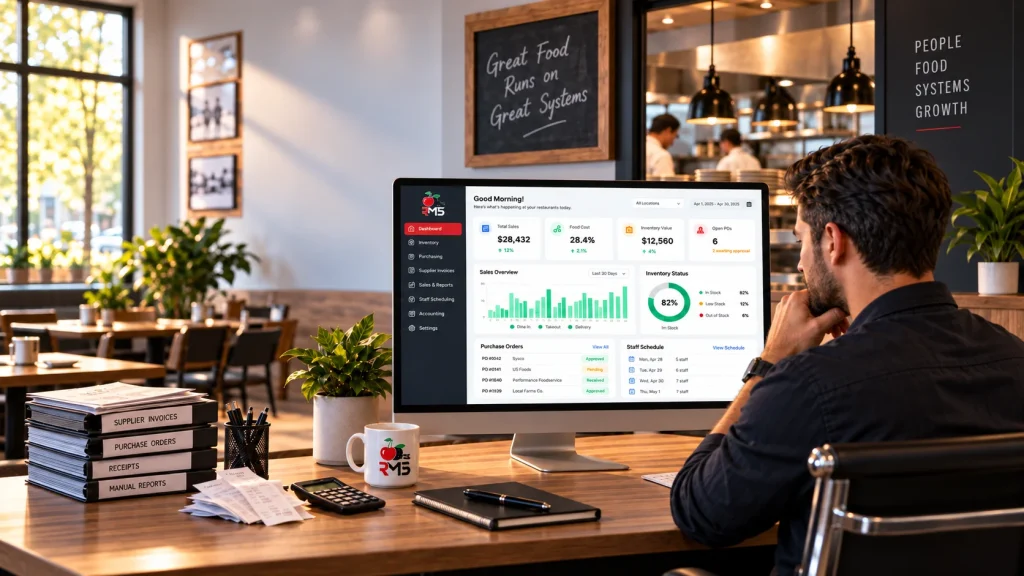
Still running your back office on spreadsheets? CherryBerry RMS’s accounting software automates expenses, recipe costing, and financial reporting, so you spend less time reconciling numbers and more time running your restaurant. It is a complete restaurant accounting software system, your general ledger, accounts payable, accounts receivable, and financial reporting, built around how a restaurant actually operates.
Cloud-based
Manage remotely, anytime
Real-time
Sales & inventory tracking
Connected
Orders, kitchen & back office
All-In-One Back Office Solution
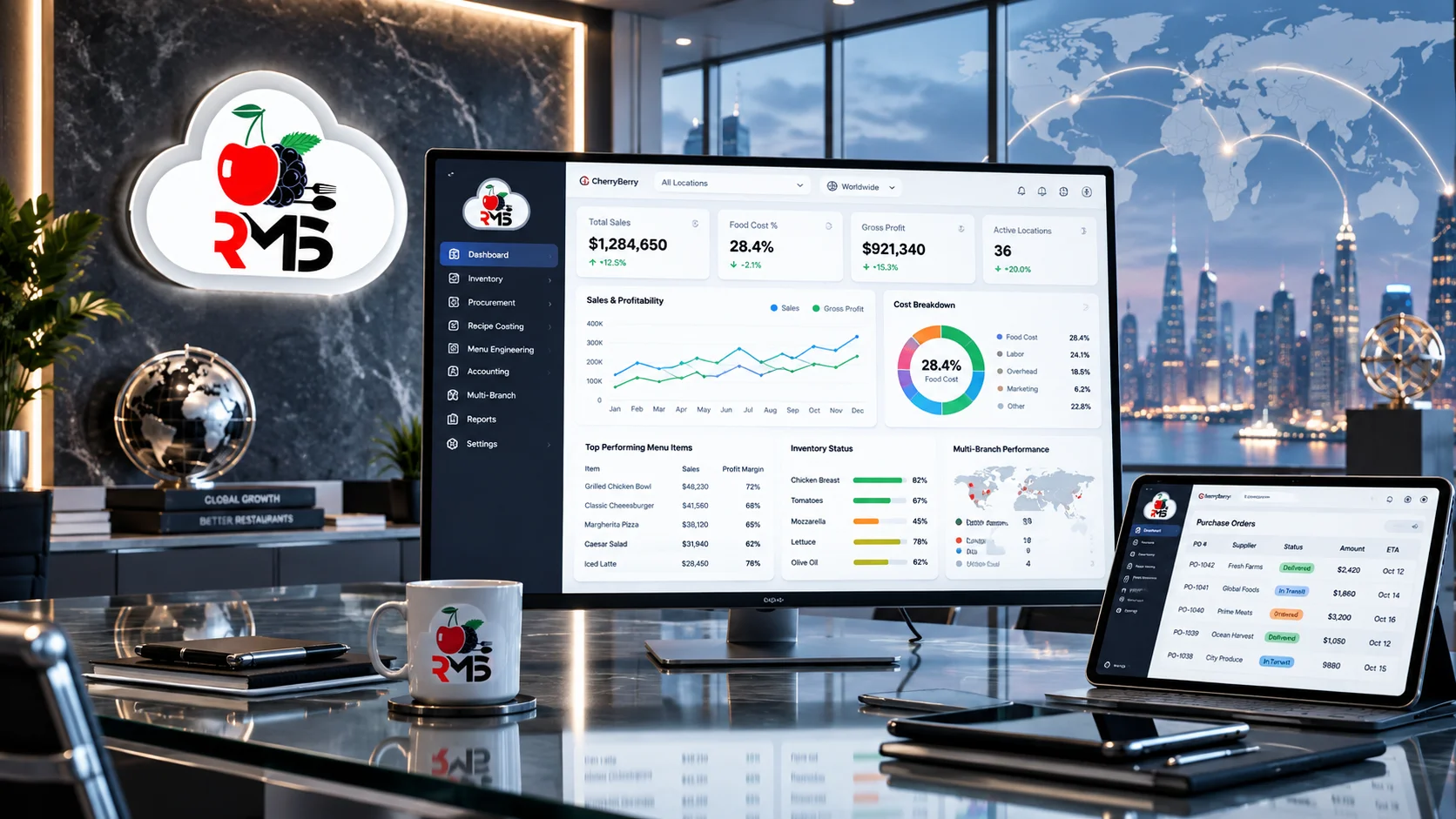
Running a restaurant means juggling sales, purchasing, payroll, and compliance at the same time, usually across more than one system. CherryBerry RMS’s accounting software brings all of it into one back office: financial accounting, inventory management, procurement, and reporting, so your numbers come from one place instead of being stitched together from a POS export, a spreadsheet, and a supplier invoice folder.
What Is Accounting Software?
Accounting software is a system that records, organizes, and reports a business’s financial transactions, its bookkeeping, general ledger, accounts payable, accounts receivable, and financial reporting, in one place instead of on paper or across disconnected spreadsheets. For a restaurant, that means every sale through the POS, every supplier invoice, every payroll run, and every ingredient used all land in the same set of books.
What makes restaurant accounting software different from general-purpose tools like a generic accounting system is that it understands restaurant-specific costs out of the box: food cost, labor cost, recipe costing, and prime cost, the numbers a restaurant actually lives or dies by, rather than treating a restaurant like any other retail business.
Why Restaurants Outgrow Spreadsheets and Manual Books
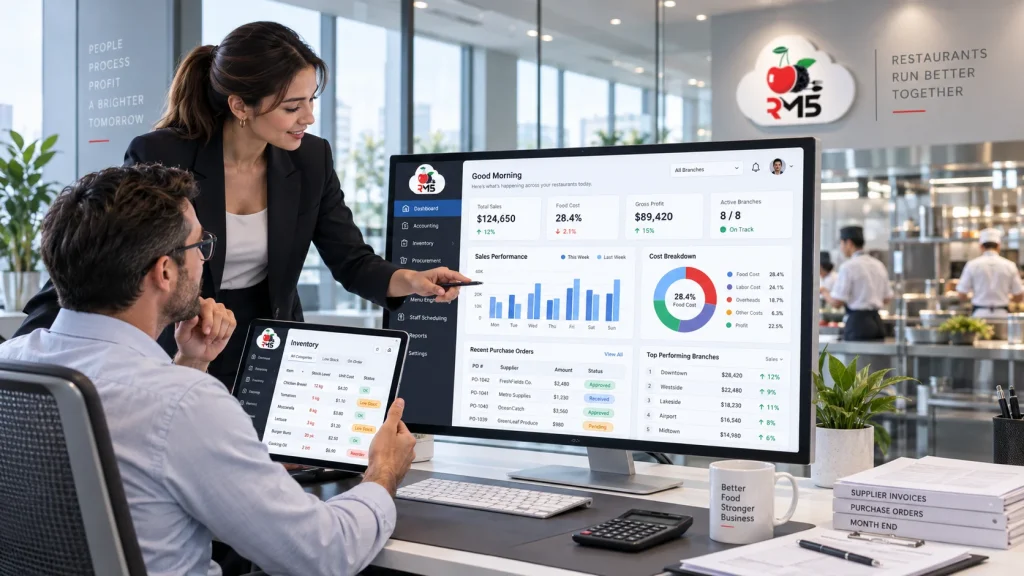
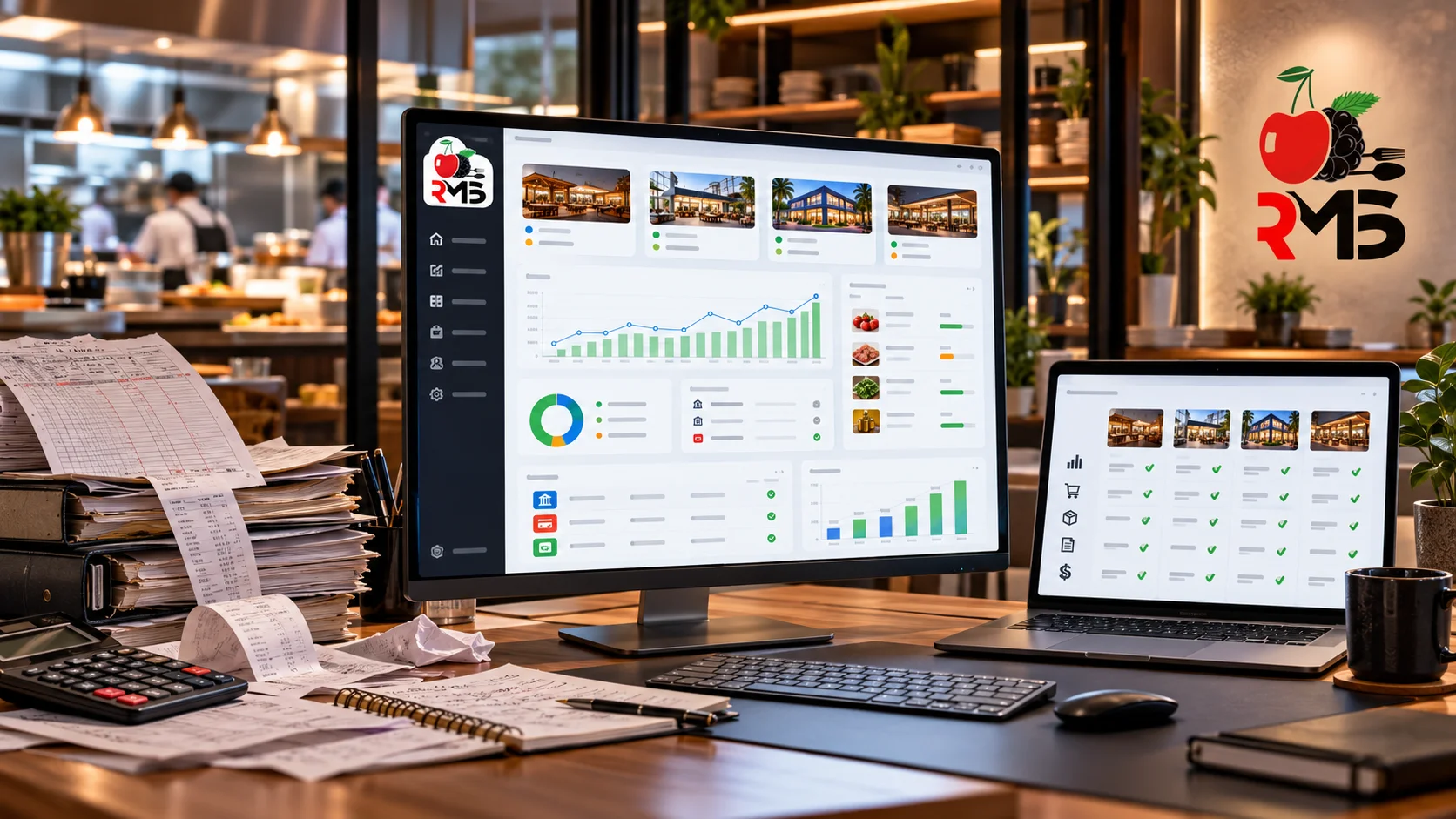
A spreadsheet works fine for one location and a handful of transactions a day. It stops working the moment a second branch opens, or sales volume means someone is manually re-typing a day’s worth of POS totals into a workbook every night. Manual reconciliation is where small errors become real discrepancies, a transposed number in accounts payable, a missed supplier invoice, a balance sheet that does not actually balance until someone spends an evening finding out why.
Accounting software replaces that manual re-entry with automatic sales synchronization: your POS, your inventory management, and your books share the same data, so the trial balance reflects what actually happened, not what someone remembered to type in.
How CherryBerry RMS's Accounting Software Works
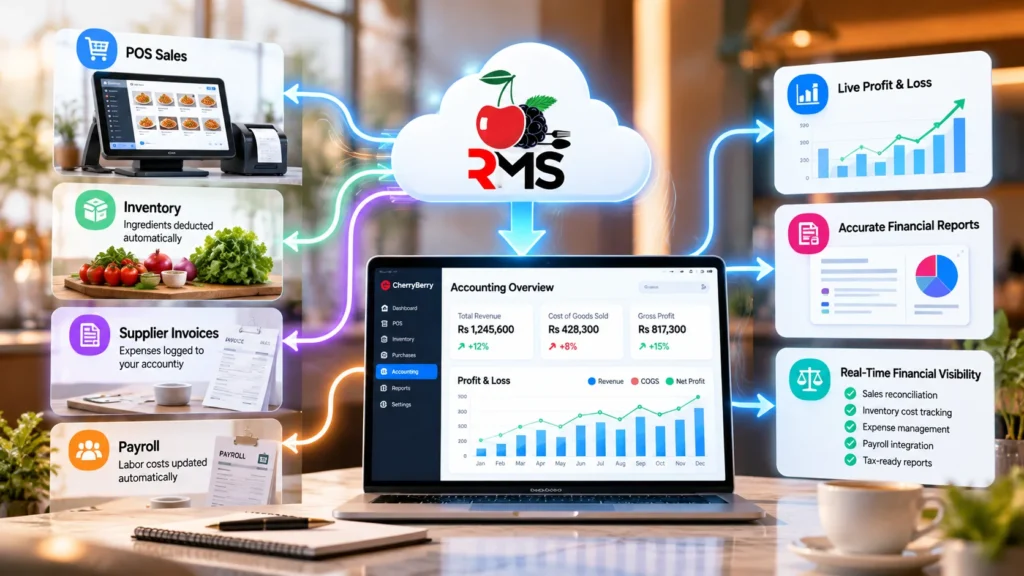
Every sale recorded through CherryBerry’s cloud-based POS system flows directly into the accounting module. Revenue is recorded, the ingredients behind it are deducted from inventory, and the cost of goods sold updates against your recipe data automatically. Supplier invoices and expenses are logged against your chart of accounts, payroll feeds into labor cost reporting, and the result is a live profit and loss picture instead of a monthly reconstruction project.
Top Features of CherryBerry RMS's Accounting Software
Multi-Branch Management
See consolidated numbers for every branch on one dashboard, or drill into a single location’s branch profitability when something needs a closer look. Branch-wise reporting compares every location on the same chart of accounts, not five spreadsheets built by five managers.
Menu & Recipe Costing
Design digital menus and standardised recipes per branch, including variations like sizes and combo meals, so you know the real cost and margin of every version you sell.
Automated Recipe Deduction
Link every menu item to a recipe in your database, and let ingredients deduct from real-time stock automatically as orders come through your POS and kitchen display system.
Financial Accounting
Keep your financial records current and accurate with Chart of Accounts and Journal Entry modules. Generate profit and loss statements and maintain a full audit trail. Behind them, a general ledger tracks accounts payable and accounts receivable, with a trial balance and balance sheet ready on demand.
Procurement Management
Track purchase orders against your actual suppliers, log what was ordered against what arrived, and keep supplier payments and pricing history in one place. Purchase costs feed straight into your cost of goods sold, so a supplier price rise shows in your margins immediately.
Business Intelligence & Reporting
Sales analytics, purchase reports, and accounting dashboards with predictive forecasting, so decisions are based on real numbers, not a guess. Pull financial dashboards, tax reports, and branch-wise reporting on demand, with real-time financial data.
Built for Tax Season and Audits
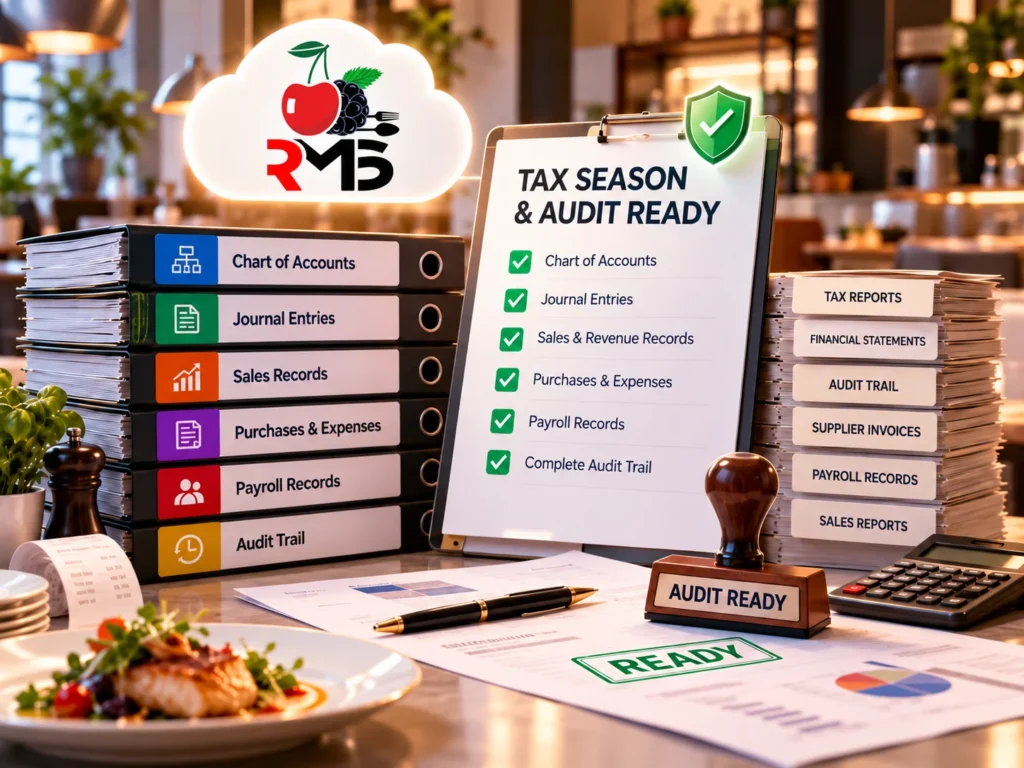
Whether it’s tax season or an FBR or PRA audit, struggling restaurants usually piece records together after the fact. CherryBerry RMS’s Chart of Accounts, Journal Entry modules, and audit trail keep your financial records ready to hand over, not reconstructed under deadline pressure.
Your Financial Data Stays Secure
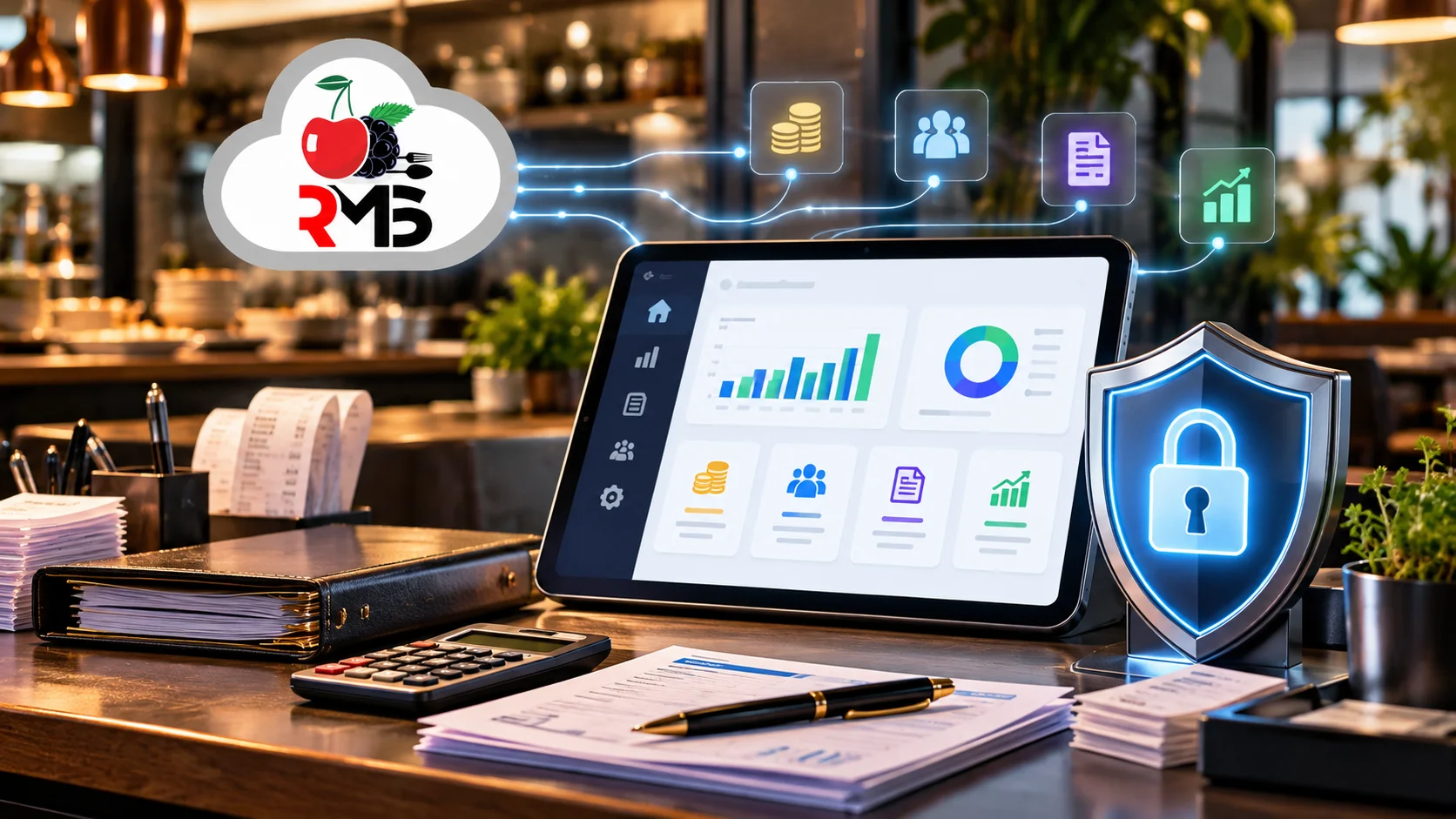
Restaurant financial data is highly sensitive, covering everything from supplier terms and payroll to profit margins. Keeping this information in an unprotected spreadsheet on someone’s laptop can create unnecessary security risks and make critical data harder to control. CherryBerry RMS’s accounting software is cloud-based with role-based access, so a server can see today’s sales while only the people you authorize can see the full general ledger, accounts payable, or payroll detail. Confirm current certification and data-handling details directly with CherryBerry before publishing this section, since no specific compliance certification is claimed here.
Switching From Spreadsheets or Another System
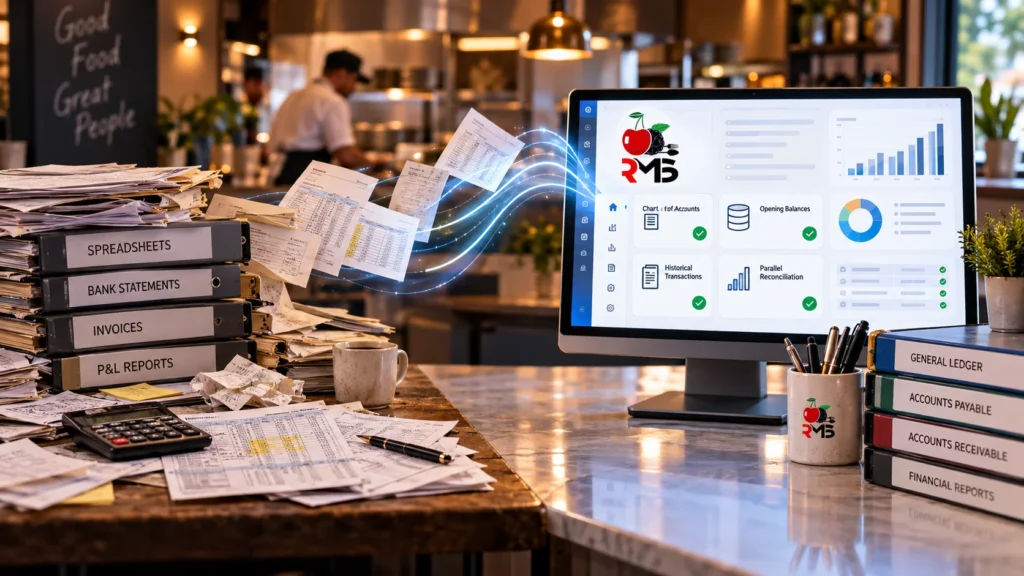
Moving off a spreadsheet, or off another accounting software platform, does not have to mean losing a year of history. Bring your chart of accounts, opening balance sheet, and historical transactions across during onboarding, run your old system and CherryBerry in parallel for one close cycle to confirm the numbers match, then retire the old process once your team trusts the new reports.
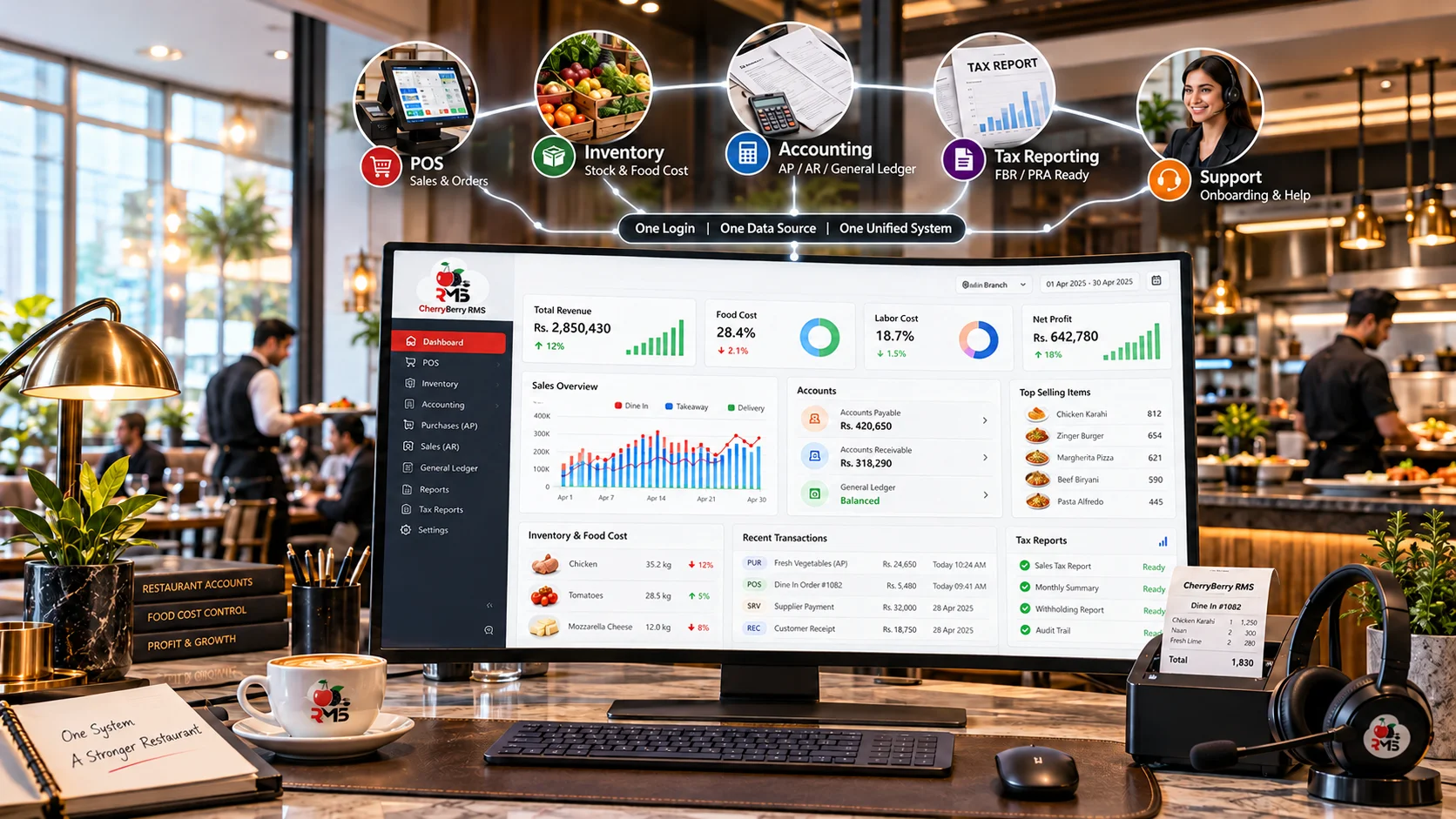
Why Choose CherryBerry RMS's Accounting Software
Most accounting software is either general-purpose, built for any small business and blind to restaurant-specific costs, or restaurant-specific but bolted onto a separate POS and inventory system through an integration. CherryBerry RMS builds accounting as part of the same system your orders already run on:
- One login, one data source, no integration between your POS and your books that can silently break or fall out of sync.
- Restaurant-specific cost tracking (food cost, labor cost, prime cost) alongside full general-purpose accounting (general ledger, accounts payable, accounts receivable, balance sheet), so you are not choosing between the two.
- FBR and PRA-ready reporting runs through the same ledger as everything else, not a separate compliance module bolted on.
- 24/7 support and full onboarding, so switching off a spreadsheet or another platform does not mean your team is left to figure out the new system alone.
Design for Different Restaurant Businesses
Independent restaurants use it to replace spreadsheets with real financial visibility. Multi-branch chains use it to see consolidated numbers across every location instead of chasing reports from each manager. Cloud kitchens use it to track recipe costs precisely when margins are already tight. Franchise groups use it to keep every location’s books built the same way, so comparisons actually mean something.
FAQ’S
Frequently Asked Questions
We use the latest technologies & tools to create better code that works well and is easy to work with
Couldn’t find what you are looking for? write to us
Accounting software is a system that records, organizes, and reports a business’s financial transactions, including bookkeeping, invoicing, accounts payable, accounts receivable, and financial reporting, in one connected system instead of on paper or in disconnected spreadsheets.
It is software that runs the financial and operational side of a restaurant behind the scenes, accounting, inventory, procurement, and reporting, as distinct from the front-of-house POS that takes orders and payments.
Because manual reconciliation of sales, inventory, and expenses across multiple spreadsheets is slow and error-prone, and it gets worse, not better, as a restaurant adds locations or order channels.
A front-office system (POS) handles orders and payments at the point of sale. Back-office accounting software takes that sales data and connects it to inventory, cost of goods sold, payroll, and financial reporting.
At minimum: automated sales recording from the POS, recipe-based inventory deduction, accounts payable and supplier tracking, a chart of accounts and audit trail, and real-time financial reporting.
With connected accounting software, yes. Sales, cost of goods sold, and branch performance update as transactions happen, instead of waiting for a manual month-end close.
You can check your numbers from anywhere, data is not trapped on one computer, and every branch’s records live in the same system instead of scattered across local files.
Day-to-day accounting tasks, like approving a supplier invoice or checking a branch’s daily sales, are designed for managers, not accountants; deeper financial reporting is built for whoever handles your books.
CherryBerry RMS provides 24/7 support and onboarding, so a question at 11 PM on a Friday does not wait until Monday.
Prime cost is your combined cost of goods sold and labour cost, the single number most restaurant operators watch most closely, see the National Restaurant Association’s resource on operational realities for how prime cost fits into broader margin pressure. CherryBerry RMS’s accounting software calculates COGS automatically from recipe and inventory data, so it’s ready to combine with your labour numbers for a true prime cost view.
Yes. Sales recorded through CherryBerry’s cloud-based POS system flow directly into the accounting module, so revenue, cost of goods sold, and inventory deduction happen automatically, without manual re-entry.
An audit trail is a time-stamped record of every financial entry and change, who made it and when, so your books can be verified during a tax season review or an FBR or PRA audit instead of reconstructed from memory.
Bring your chart of accounts and historical transactions across during onboarding, run both systems in parallel for one close cycle to confirm the numbers match, then retire the old process once your team trusts the new reports.
Bookkeeping is the day-to-day recording of transactions, sales, expenses, invoices. Accounting software includes bookkeeping but goes further, turning that data into financial statements, tax-ready reports, and the general ledger a business runs on.
Run Your Restaurant's Books Like You Run Your Kitchen
CherryBerry RMS’s accounting software connects your POS, your inventory, and your books into one system, so the number on your profit and loss statement is the same number your kitchen and counter actually produced.
Call +92 42 32109257 to see it running against your own menu and branches.