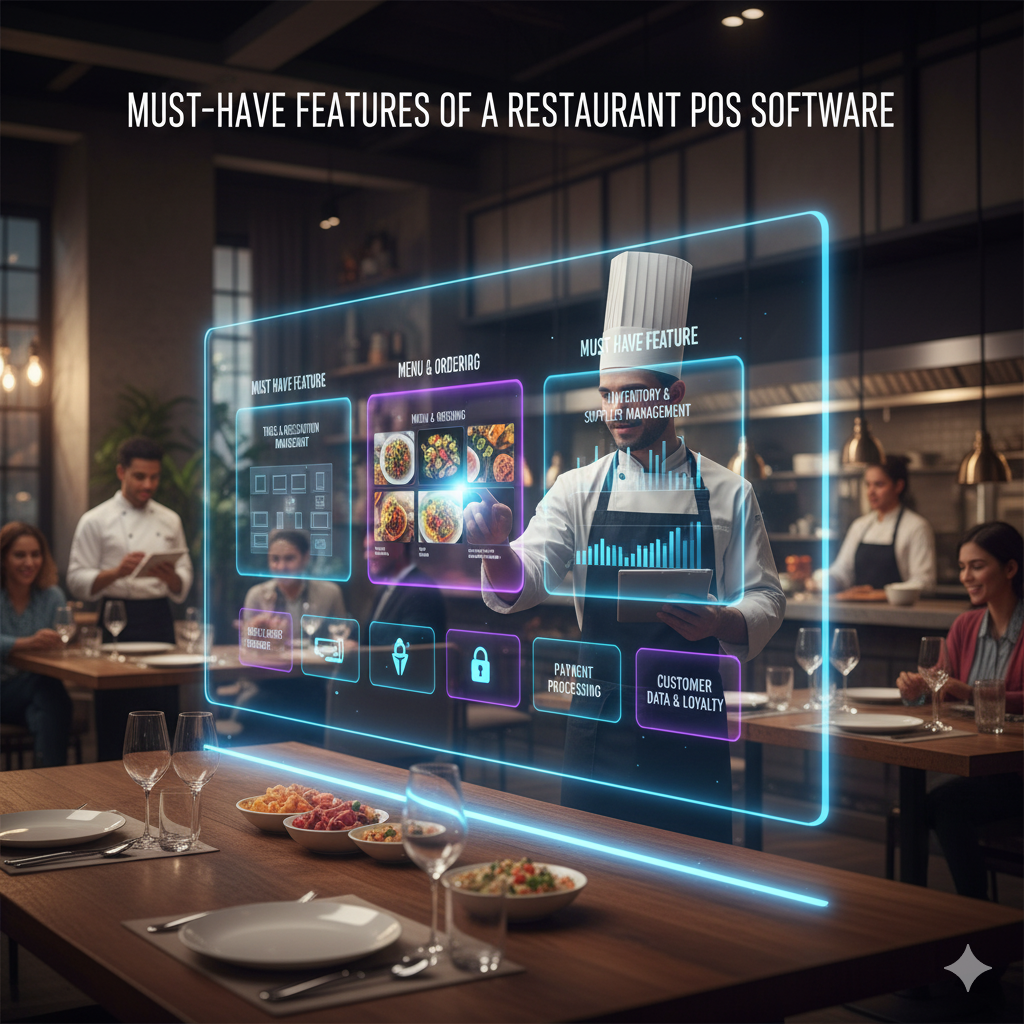
Must Have Features Of A Restaurant POS System Software
The restaurant industry is undergoing a technological revolution, and at the heart of this transformation lies the point-of-sale (POS) system.
Modern restaurant POS system software has evolved far beyond simple payment processing, connecting front-of-house and back-of-house operations while providing real-time data analytics, inventory tracking, and customer relationship management tools.
With the global restaurant POS systems market projected to reach $26.03 billion by 2032, growing at a CAGR of 6.8%, choosing the right system with essential features has never been more critical for restaurant success.
Whether you operate a quick-service restaurant, fine dining establishment, or multi-location franchise, understanding the must-have POS system features will help you streamline operations, boost profitability, and enhance customer experience.
What Is A Restaurant POS System?
A Restaurant point of sale system is a comprehensive software and hardware solution that enables restaurants to manage sales transactions, process payments, track inventory, and run daily operations efficiently.
Modern cloud-based POS systems act as centralised hubs that integrate ordering, payment processing, kitchen management, employee scheduling, and reporting capabilities.
Unlike traditional cash registers or retail POS systems, restaurant-specific POS software is designed to handle unique challenges like table management, menu modifiers, split checks, and kitchen display integration.
The best POS software combines user-friendly interfaces with powerful analytics to help restaurant owners make data-driven decisions that improve efficiency and increase revenue.
The Essential Features Every Restaurant POS System Software Must Have
User-Friendly Interface and Minimal Training Time
With the restaurant industry experiencing employee turnover rates exceeding 75% annually, having an intuitive POS interface is critical for operational efficiency. A user-friendly system with clear buttons, visual menu items, and straightforward workflows reduces training time from days to hours.
The best restaurant POS systems feature customizable layouts and logical navigation that allow new employees to start taking orders confidently within their first shift. When your staff can operate the system efficiently, order accuracy improves, service speeds up, and customer satisfaction increases.
Cloud-Based Access and Remote Management
Cloud-based POS systems have become the industry standard, with most restaurants expected to adopt cloud solutions by 2025. Unlike traditional on-premise systems, cloud POS platforms store data securely online, enabling real-time access from any device with internet connectivity.
This technology allows restaurant owners to monitor sales, track inventory levels, and generate reports from anywhere, whether managing multiple locations or checking daily performance from home. Cloud systems also provide automatic software updates, ensuring your POS features remain current without manual intervention or system downtime.
Comprehensive Inventory Management
Effective inventory tracking is crucial when many U.S. restaurants struggle with profit due to poor food cost control. A robust restaurant POS system sotware should provide real-time inventory management that automatically updates stock levels after each sale, tracks ingredient usage down to the recipe level, and sends low-stock alerts.
Advanced inventory features include:
- Automated reordering based on par levels
- Variance reporting to identify theft or waste
- Vendor management and purchase order integration
- Recipe costing to calculate food cost percentages
- Multi-location inventory synchronisation
Restaurants conducting weekly inventory checks can add 2-5% to their bottom line by minimising waste and optimising purchasing decisions.
Kitchen Display System (KDS) Integration
Moving from paper tickets to digital kitchen management can reduce order errors by up to 90%. Kitchen display system integration ensures orders flow instantly from front-of-house terminals to kitchen screens, eliminating handwriting mistakes and lost tickets.
Modern KDS features include:
- Colour-coded priority alerts for time-sensitive orders
- Station-based routing (grill, fryer, salad prep)
- Preparation time tracking for performance analysis
By streamlining kitchen communication, restaurants improve order accuracy, speed up service, and enhance the overall guest experience.
Table and Floor Management
Visual floor plans with real-time table status tracking help hosts manage seating efficiently and reduce wait times. The best POS systems for restaurants offer customizable floor layouts that display:
- Available, occupied, and reserved tables
- Server sections and assignments
- Table turn times and guest spending
- Waitlist management with SMS notifications
- Reservation integration with booking platforms
This functionality is particularly valuable for full-service restaurants where table turnover directly impacts daily revenue. Mobile POS capabilities enable servers to check table status and manage sections from handheld devices anywhere in the venue.
Tableside Ordering and Mobile POS
Tableside ordering technology has transformed restaurant service, with some establishments reporting sales increases of 20% or more after implementation. Mobile POS devices allow servers to take orders and process payments directly at the table, eliminating steps and reducing errors.
Benefits of handheld POS systems include:
- Faster order transmission to the kitchen
- Immediate menu modification notifications
- Enhanced upselling opportunities with prompts
- Tableside payment processing
- Improved server efficiency and table turns
With most consumers preferring mobile or contactless payment options, tableside technology meets evolving customer expectations while boosting operational efficiency.
Online Ordering System
Nowadays, consumers prefer to order directly from restaurant apps or websites rather than third-party platforms, so integrated online ordering capabilities can generate commission-free revenue. Your POS system should seamlessly sync online orders with in-house operations.
Essential integration features include:
- Direct website and mobile app ordering
- Centralised order management dashboard
- Real-time menu synchronisation across channels
- Commission-free direct ordering options
By consolidating all ordering channels into one system, restaurants can reduce manual entry errors and streamline kitchen workflow during peak hours.
Customer Relationship Management (CRM)
Building customer loyalty is essential when most restaurant revenue typically comes from repeat customers. Built-in CRM tools within your POS system enable you to:
- Capture customer contact information and preferences
- Track purchase history and spending patterns
- Create personalised promotions and offers
- Send targeted email and SMS marketing campaigns
- Analyse customer lifetime value
POS-integrated loyalty programs eliminate punch cards and manual tracking, automatically rewarding customers and encouraging repeat visits while providing valuable data for marketing decisions.
Advanced Reporting and Analytics
Data-driven decision-making separates thriving restaurants from struggling ones. Comprehensive reporting capabilities should include:
Sales Analytics
- Daily, weekly, monthly, and yearly sales reports
- Peak hour identification and revenue tracking
- Sales by menu item, category, and server
- Year-over-year comparison and trend analysis
Financial Reporting
- Food cost percentages by dish
- Labour cost tracking and percentages
- Profit margin calculations
- Tax reporting and accounting integration
Operational Insights
- Best-selling and underperforming menu items
- Table turnover rates and average check sizes
- Inventory usage and waste tracking
- Employee performance metrics
Real-time access to actionable insights enables restaurant owners to optimise pricing, adjust staffing levels, refine menu offerings, and identify opportunities for increased profitability.
Security, Compliance, and Data Protection
With most data breaches in hospitality involving POS intrusions, security cannot be compromised. Essential security features include:
- PCI DSS compliance for payment processing
- End-to-end encryption of transaction data
- Role-based access control and PIN protection
- Automatic cloud backups and disaster recovery
- Fraud detection and chargeback protection
- Employee activity logs and audit trails
A secure POS system protects both customer payment information and sensitive business data from cyber threats while ensuring compliance with industry regulations.
Seamless Third-Party Integration
Your restaurant POS system shouldn’t operate in isolation. Integration with complementary business tools creates a unified technology ecosystem that streamlines operations. Essential integrations include:
- Accounting software for automated financial reporting
- Reservation platforms for seamless table management
- Marketing tools such as email marketing, SMS campaigns, and social media
Choosing a POS system with open APIs and pre-built integrations reduces manual data entry and improves accuracy across all business functions.
The Future of Restaurant POS Technology
As we move further into 2025 and beyond, several emerging trends are shaping the evolution of restaurant POS systems:
- Artificial Intelligence and Machine Learning: Predictive analytics for demand forecasting, dynamic pricing optimisation, and personalised customer recommendations are becoming standard features in advanced POS platforms.
- Self-Service Technology: With modern restaurants investing in self-order and self-pay technologies in 2025, kiosks and tableside tablets are reducing labour costs while empowering customers with control over their ordering experience.
- Voice-Activated Ordering: Hands-free operation through voice commands is emerging as a solution for busy kitchen environments and accessibility improvements.
- Kitchen Automation Integration: POS systems are increasingly connecting with robotic cooking equipment and automated food preparation devices for faster, more consistent output.
Choosing the Right POS System for Your Restaurant
With restaurants planning to upgrade their POS system or purchase a new one, selecting the right platform requires careful consideration of your specific needs:
- Assess Your Business Model: Quick-service restaurants have different requirements than fine dining establishments or multi-location franchises. Identify workflows unique to your operation.
- Prioritise Must-Have Features: Based on your biggest operational challenges, rank features by importance; not every restaurant needs every feature.
- Consider Scalability: Choose a system that grows with your business, whether you plan to add locations, expand services, or increase transaction volume.
- Evaluate Total Cost of Ownership: Look beyond initial hardware costs to include monthly subscription fees, payment processing rates, support costs, and integration expenses.
- Test User Experience: The best POS software means nothing if your staff finds it frustrating. Request demos and trial periods to ensure intuitive operation.
Final Thoughts
A modern restaurant POS system software is no longer just a payment processing tool; it’s the central nervous system that connects every aspect of your operation.
From streamlining order management and inventory tracking to providing actionable business intelligence and enhancing customer experience, the right POS features can dramatically impact your bottom line.
CherryBerry RMS combines all these must-have features, advanced inventory management, kitchen display integration, real-time analytics, and employee tracking into one intuitive platform, ensuring your team can focus on delivering outstanding guest experiences rather than wrestling with technology.
Ready to transform your restaurant operations? Contact us to find the perfect POS solution that matches your business needs and growth ambitions.
People Also Asked
What is the POS system for restaurants?
A restaurant POS system is specialised software and hardware designed specifically to handle food service operations, including processing orders with menu modifiers, managing table assignments and seating, tracking inventory for food and beverage items, processing various payment methods, generating sales and performance reports, and integrating with kitchen operations. It serves as the central hub for all front-of-house and back-of-house coordination.
What to look for while choosing a restaurant POS system?
Look for ease of use for staff, system reliability and uptime, tableside ordering capabilities, kitchen display system integration, comprehensive inventory tracking, detailed reporting and analytics, and scalability to grow with your business. Also consider customer support quality, hardware durability, and whether it’s cloud-based or on-premise.
What is a POS feature?
A POS feature is a specific functionality or capability built into the system to streamline restaurant operations, such as split billing for shared checks, tip management and distribution, menu customisation with modifiers, real-time reporting and dashboards, table management, or reservation integration. These features help automate tasks and improve efficiency in daily operations.
Which of these are key features of the POS system?
Essential features include order management with customisation options, secure payment processing, real-time inventory tracking, comprehensive sales reporting and analytics, customer relationship management (CRM) tools for loyalty programs, and integration capabilities with accounting software and third-party delivery platforms.
What is the best POS system for a restaurant?
The best choice depends on your restaurant type (quick-service vs. fine dining), size, budget, and specific operational needs. So choose the system that meets your operational needs and grows with you.
What does 8 top mean in restaurants?
An “8 top” refers to a table that seats 8 guests in restaurant terminology. The number indicates the seating capacity, so a “4 top” seats 4 people, a “6 top” seats 6, and so on. This helps staff quickly communicate table assignments and availability.
What are the main components of a POS software?
Key hardware components include the touchscreen terminal or tablet, thermal receipt printer, cash drawer, and kitchen display screens. Software components consist of the operating system, management interface for orders and inventory, reporting tools, and network infrastructure (internet connection, routers) to connect all components.
Which of the following features should a next-generation POS software have?
Modern POS systems should have cloud-based architecture for remote access and automatic updates, mobile and tablet compatibility for flexibility, AI-powered analytics for predictive insights and automated recommendations, seamless third-party integrations with delivery apps and accounting software, contactless and digital payment options, offline functionality to continue operations during internet outages, and enhanced security features like end-to-end encryption.
