


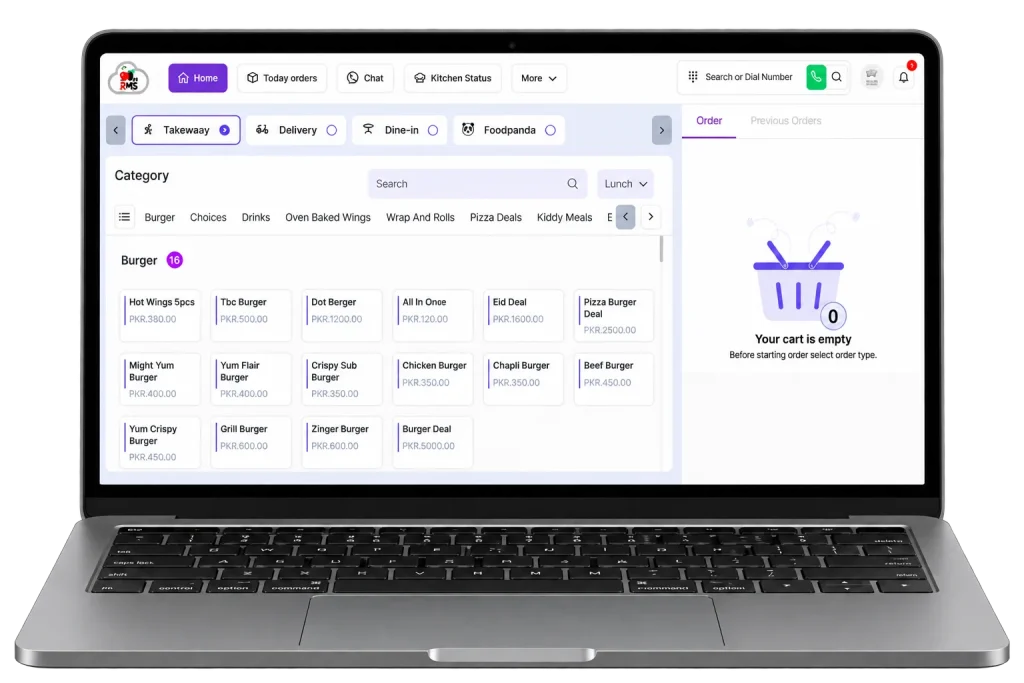
Inventory Management Software for Restaurants
Stop guessing what is left in your walk-in. CherryBerry RMS’s inventory management software tracks every ingredient from the moment it arrives from a supplier to the moment it leaves the kitchen on a plate, automatically, in real time, across every branch.
Cloud-based
Manage remotely, anytime
Real-time
Sales & inventory tracking
Connected
Orders, kitchen & back office
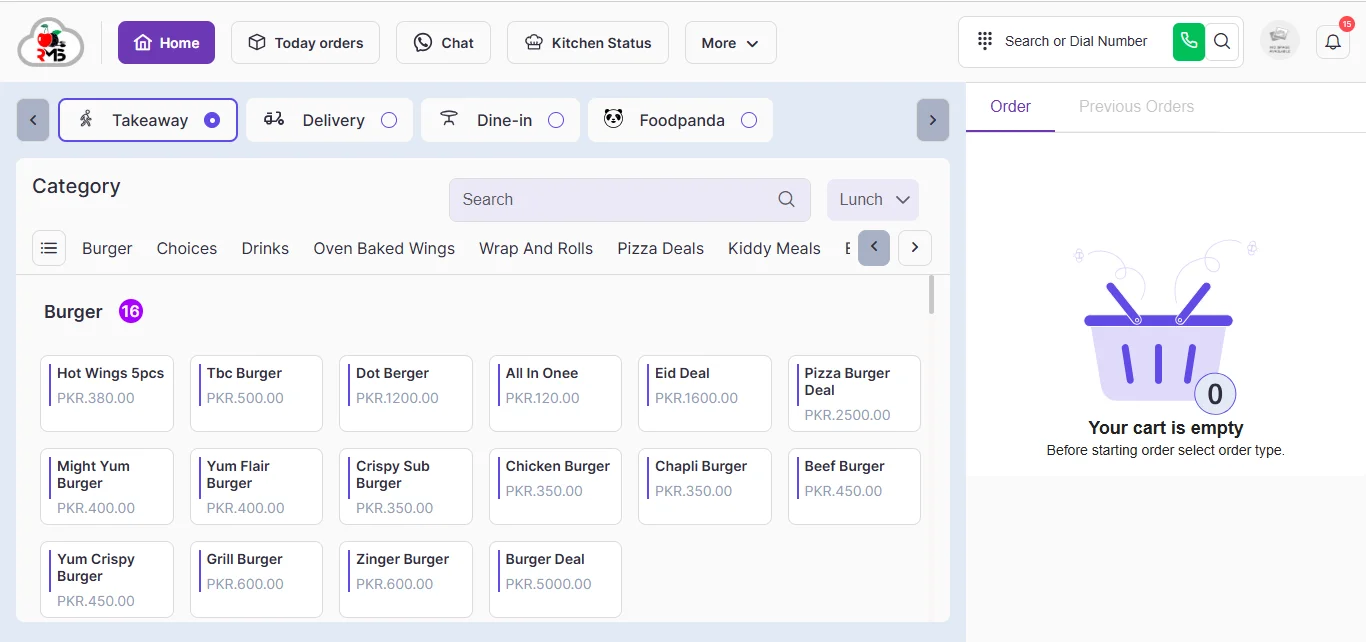
The Problem With Running Inventory on Spreadsheets
Most restaurants start with a notebook, move to a spreadsheet, and often stay there for years because nothing seems urgent enough to change. That usually lasts until the numbers stop adding up. A manual stock count may show one figure, while actual inventory tells a very different story. The shelf says another. Nobody can say for certain whether the gap is spoilage, over-portioning, a supplier shortchanging a delivery, or simple theft, because a spreadsheet only records what someone remembers to type in.
Food cost is one of a restaurant’s largest controllable expenses. When you track stock levels manually or by memory, inventory variances can go unnoticed until they start affecting your bottom line. Inventory management software helps identify discrepancies early, giving you better control over stock, costs, and profitability.
What Is Restaurant Inventory Management Software?
Inventory management software is a system that tracks every ingredient a restaurant buys, stores, and uses, connecting purchase orders, supplier deliveries, stock levels, and the recipes that consume that stock into one real-time record. Instead of a manual count once a week, the system knows what should be on the shelf at any moment, because every sale through the POS and every item sent from the KDS automatically deducts the ingredients that dish required.
An inventory management system worth using does four things without anyone lifting a spreadsheet: it tracks what comes in through purchase orders and supplier management, it tracks what goes out through recipe-linked stock consumption, it flags what is running low through low-stock alerts and reorder points, and it reports what the gap between expected and actual stock is actually costing through inventory variance and food costing data.
Core Features of CherryBerry's Inventory Management System
These are the features that matter once the setup is done and a kitchen is running on the system day to day.
Real-Time Stock Deduction via POS and KDS
Every order placed through CherryBerry’s cloud-based POS system and sent to the kitchen management system deducts the exact ingredients its recipe calls for. A burger sold is also a stock adjustment against buns, patties, and condiments, recorded the moment the order fires, not at the end of the night.
Reorder Points and Purchase Orders
Set a reorder point for every ingredient and the system flags it before you run out mid-service. Low-stock alerts reach the right manager automatically, and every purchase order is logged against what actually arrived, so a shortage becomes a morning fix, not an 8 PM apology.
Recipe-Based Ingredient Tracking and Food Costing
Every menu item is built from a standardised recipe that drives both the kitchen ticket and the stock deduction. It is the same recipe costing engine behind CherryBerry’s restaurant accounting software, so your food cost and COGS come straight from the data your kitchen already ran on.
Waste, Spoilage, and Variance Tracking
Log wastage and spoilage by reason, station, and shift, so inventory variance becomes a number you can act on, not a month-end surprise. Restaurants and food services generated over 17 million tons of wasted food in a single year (U.S. EPA, 2018 Wasted Food Report).
Multi-Location Inventory Management
For restaurant groups running several branches, multi-location inventory management gives one central view of stock levels at every location. Stock transfers are tracked too, so branches share ingredients instead of each ordering separately and over-buying the same items.
Barcode, Batch, and Expiry Tracking
Barcode scanning speeds up physical counts and receiving deliveries. Batch tracking and expiry tracking flag ingredients nearing their use-by date while there is still time to use them, so they are sold, not thrown away as wastage.
Who Inventory Management Software Is For
Not every restaurant needs every feature on day one. This is where each type of operation gets the most value.
- Single-location restaurants and cafés: the fastest win is usually low-stock alerts and recipe-based deduction, catching waste and stockouts without hiring a dedicated inventory manager.
- Multi-branch restaurant groups: the priority is centralized visibility and stock transfers, so branches stop quietly over-ordering the same ingredient from different suppliers.
- Cloud kitchens and fast food restaurants: high order volume makes manual counting impractical fast, so real-time deduction tied to the POS and KDS matters most from day one.
- Restaurants running delivery through Foodpanda or similar aggregators: stock needs to deduct the same way regardless of which channel the order came from, which is why inventory is tied directly to CherryBerry’s order management software instead of being a second, untracked pool for delivery orders.
Built for Tax and Compliance Needs
Accurate inventory records are not only an operations problem in Pakistan, they are a compliance one. Restaurants classified as Tier-1 retailers are required to integrate their point of sale with FBR‘s system under the Sales Tax Rules, and the sales data that integration reports is only as trustworthy as the stock and recipe data behind it (FBR Point of Sale). When stock deducts automatically from real sales instead of being reconciled by hand later, your reported numbers and your actual numbers stay the same thing. CherryBerry RMS’s inventory data feeds directly into the same FBR-integrated POS and accounting records covered on the cloud-based POS and restaurant accounting software pages, so there is one source of truth, not three.
Confirm current FBR POS integration and Tier-1 retailer thresholds directly with FBR, as these are periodically revised.
Why Choose CherryBerry RMS's Inventory Management Software
Most inventory management software on the market is built as a standalone tool that then has to be connected to your POS, your kitchen display, and your accounting through an integration. CherryBerry RMS builds inventory as part of the same system your orders already run on, which means:
- No separate login, no separate setup, no integration that can silently break.
- Stock deducts from the same order your kitchen already cooked, not a second manual entry.
- The same recipe data drives your menu, your kitchen ticket, your food cost, and your inventory, so there is one number everyone trusts.
- FBR-integrated POS reporting and Foodpanda order handling run through the same stock data as everything else, not a bolt-on for one market.
- 24/7 support and full onboarding, so switching off a spreadsheet does not mean your team is left to figure out the new system alone.
FAQ’S
Frequently Asked Questions
Couldn’t find what you are looking for? write to us
It is software that tracks ingredients from supplier delivery through to the dish a customer orders, automatically deducting stock as recipes are sold instead of relying on manual counts.
A properly integrated system deducts the ingredients tied to a recipe the moment that item is sold through your POS and sent to your kitchen display system, so stock levels update in real time instead of at a manual count.
Start by entering your current ingredient list and standardised recipes, run both systems in parallel for one cycle to confirm the numbers match, then retire the spreadsheet once your team is confident in the automated counts.
Yes. By tracking wastage and spoilage by reason and station, and by flagging low stock and expiry dates before they become a problem, the data makes waste visible early enough to act on, rather than discovering it in a month-end report.
Yes. Multi-location inventory management gives a centralized view of stock across every branch and allows stock transfers between locations, instead of each branch managing its ordering in isolation.
Inventory, recipe costing, and accounting should share the same underlying data. As ingredients are consumed, the cost of goods sold updates against the recipe database automatically, so food cost reporting reflects what was actually used, not an estimate.
Ready to Stop Guessing What's in Stock?
CherryBerry RMS’s inventory management software connects your stock, your recipes, your POS, and your kitchen into one system, so the number on the shelf and the number on the report are always the same number.
Call +92 42 32109257 to see it running against your own menu and suppliers.