

 Online Ordering
 Kitchen Management
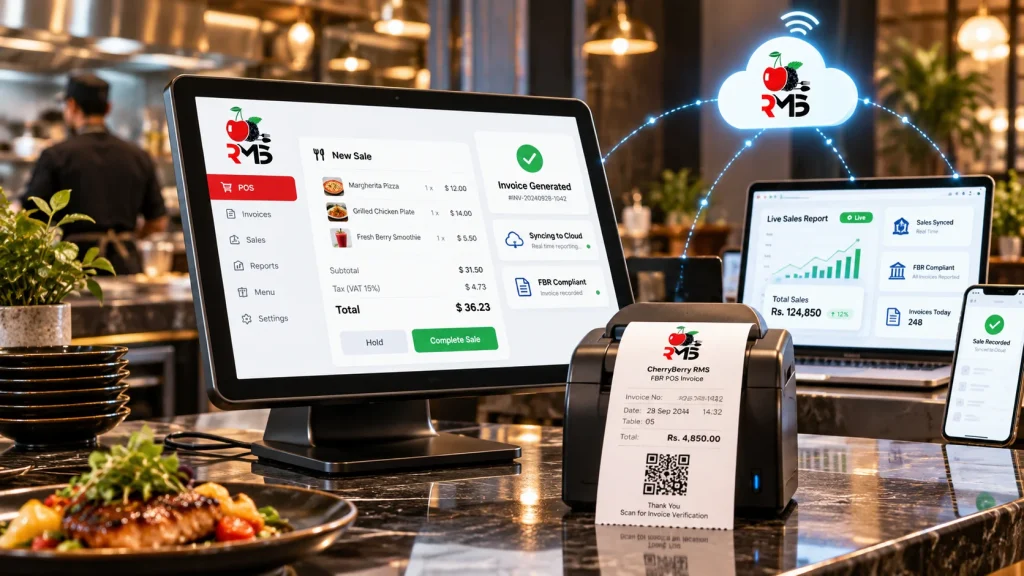
FBR POS Invoicing System That Reports Every Sale Automatically!
Every receipt carries an FBR invoice number and QR code, and every sale reaches FBR in real time, all from inside your CherryBerry RMS Cloud POS.
FBR Invoice Number
Created when the bill is closed
QR Code
On every printed receipt
Real-Time
Each sale reported as it is rung up
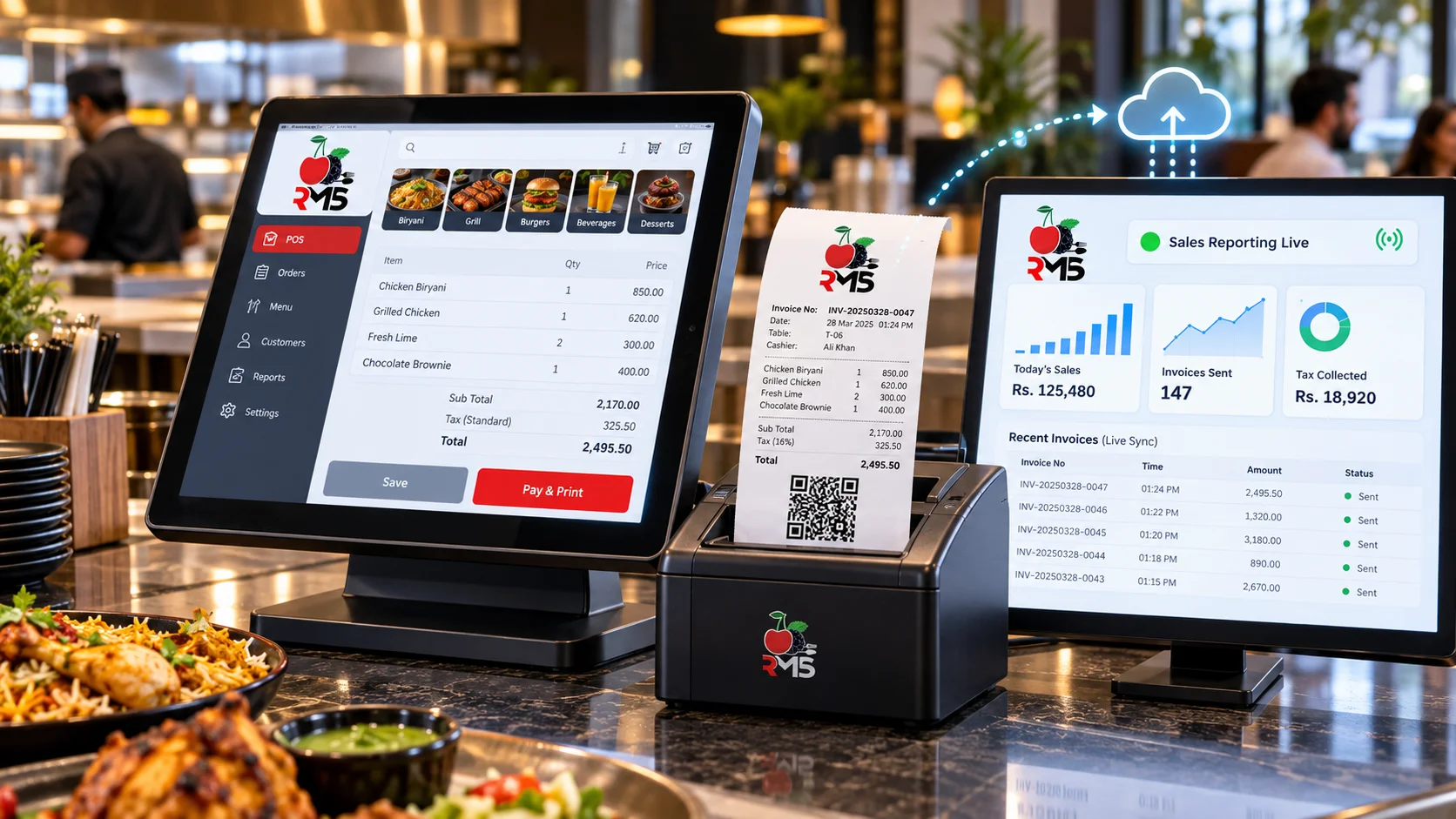
What Is an FBR POS Invoicing System?
Sales Tax Act, 1990 makes Tier-1 retailers connect their POS to FBR for live sales reporting, and Chapter XIV-A of the Sales Tax Rules, 2006 separately covers restaurants, snack bars, and cafes. So for a restaurant, the till doubles as the point where tax reporting takes place, not just where the bill gets printed.
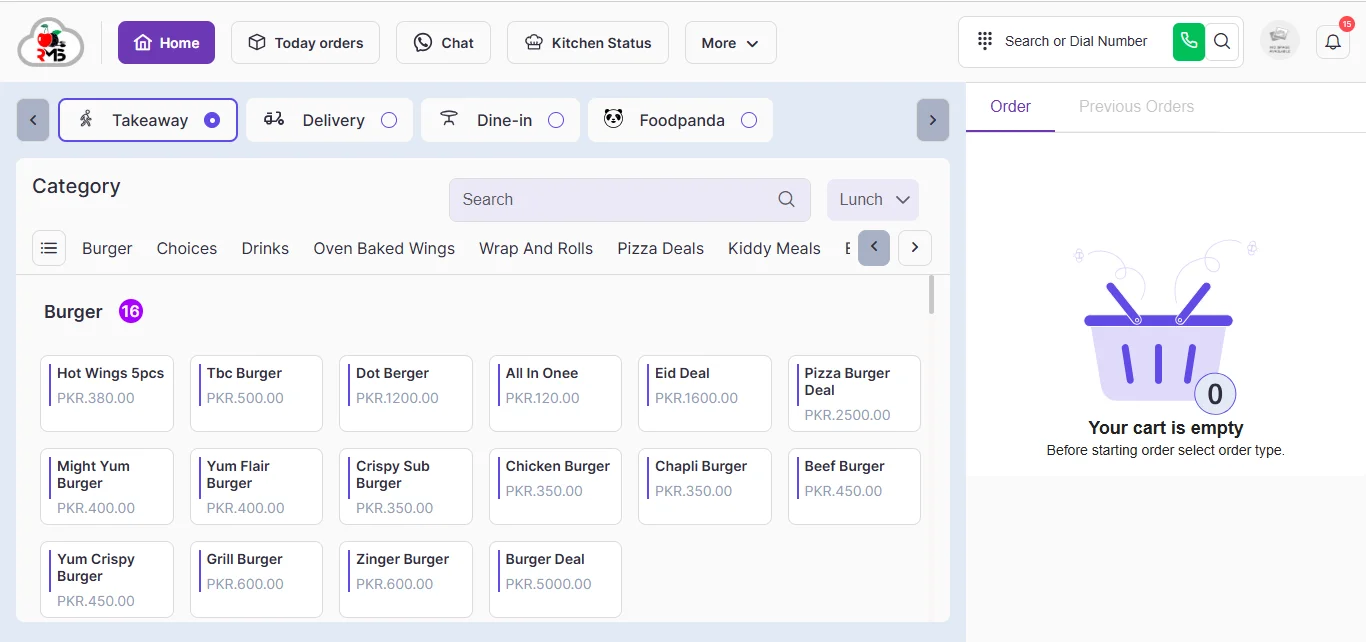
With CherryBerry RMS, FBR invoicing lives inside the same platform as your Cloud POS, Online Ordering, and Kitchen Management. The invoice number and QR code appear when the bill is closed, which means your cashier works in one system and never has a separate reporting step to remember.
Stay FBR-Compliant Without Slowing Down Service!
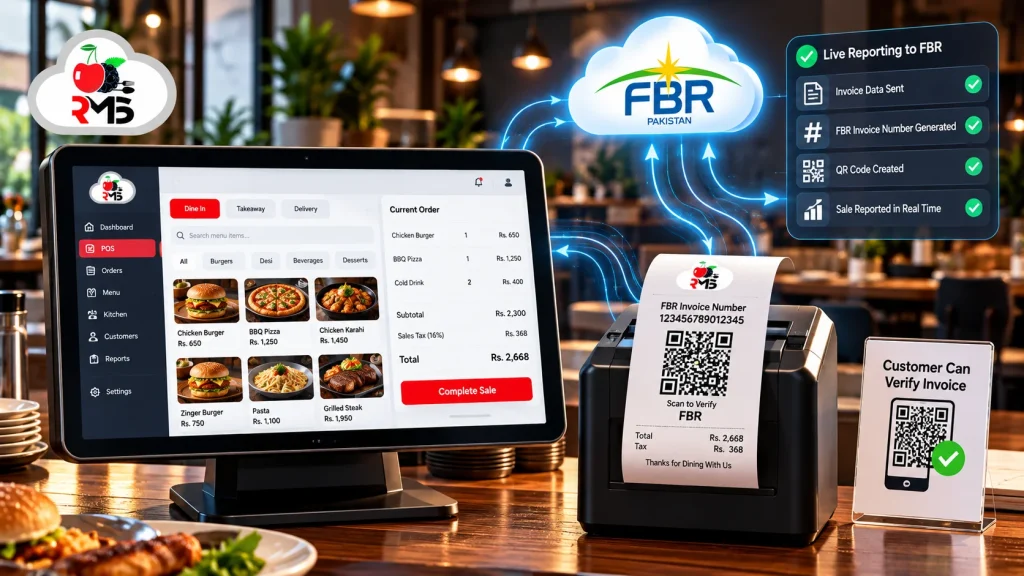
Nobody wants compliance slowing the dinner rush. With CherryBerry RMS’s FBR POS invoicing system, cashiers close bills exactly as they did before, while the FBR invoice number and QR code are produced automatically and the sale is reported in real time. A single cafe or a chain of outlets can report through one platform, leaving no manual reporting to chase and more time for your guests.
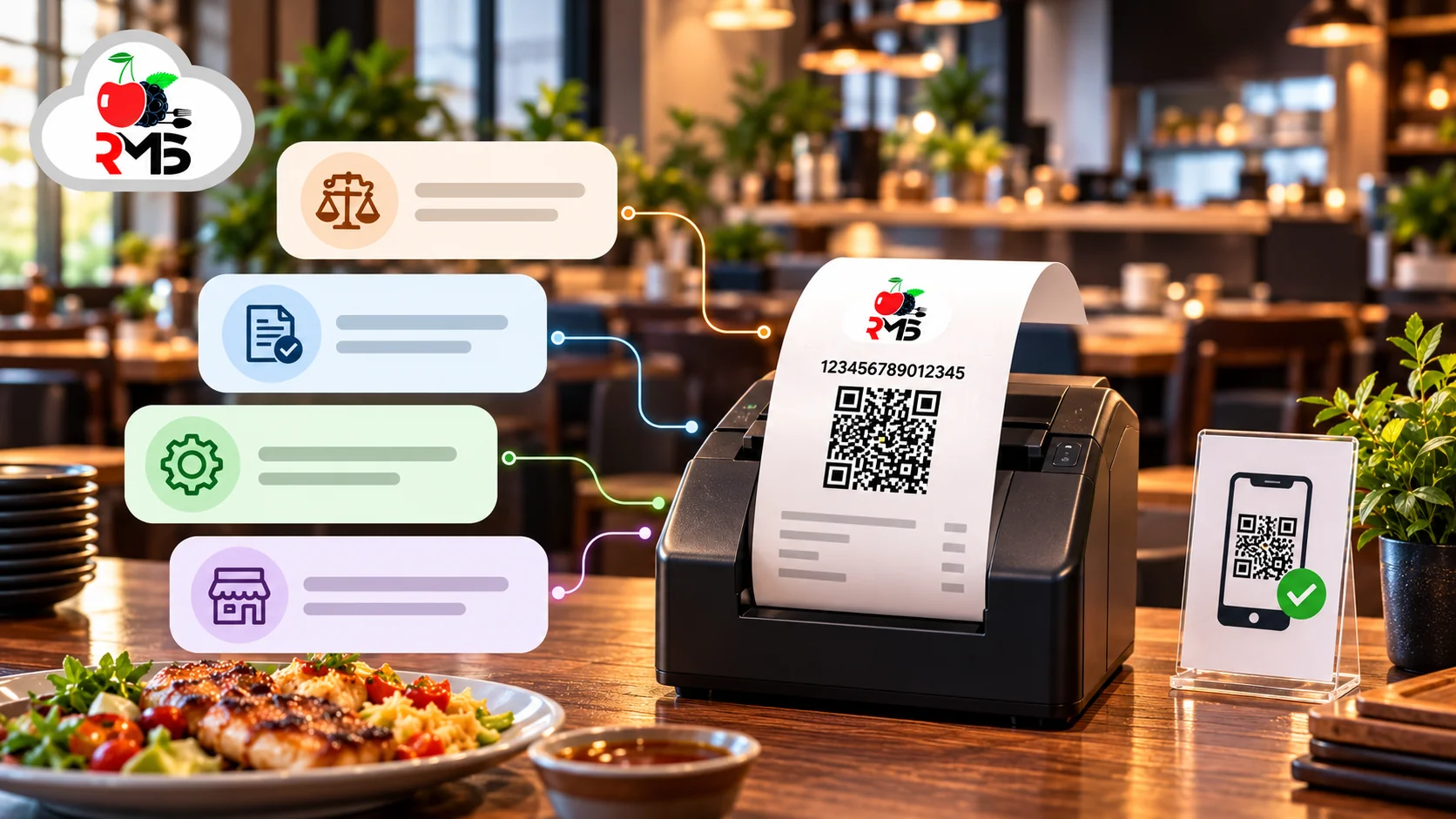
Forget the Compliance Headaches & Start Billing Smarter
Restaurant owners already juggle kitchens, staff, and suppliers. Our FBR POS system removes the tax-reporting chores that pile onto that list, right at the counter.
- Confused About Whether Integration Is Mandatory? FBR expects POS integration from Tier-1 retailers and from restaurants, snack bars, and cafes. Speak with our team to see where your outlet falls.
- Reporting Issues? With the FBR invoice number and QR code created at checkout, there is no separate reporting task where errors can slip in.
- Billing and Tax in Different Tools? One cloud POS covers billing, kitchen tickets, stock, and reporting to FBR, PRA, and AJK.
- Outlets You Cannot Watch? Each outlet’s sales appear on a single dashboard as they are rung up, rather than in tomorrow’s summary.
How CherryBerry RMS's FBR POS Invoicing System Works
Order Is Taken
Dine-in, takeaway, and phone orders are keyed in once at the counter, while orders arriving through online ordering or WhatsApp are pulled into the same system automatically.
Bill Is Closed
The cashier takes payment and closes the bill. Kitchen and stock records update from that same entry, so nobody re-types anything.
FBR Receives the Sale
If your restaurant comes under FBR’s POS integration rules, the sale is transmitted live to FBR, PRA, and AJK, and the receipt prints with its FBR invoice number and QR code.
Guest Checks, Dashboard Updates
Guests can scan the QR code to confirm the invoice with FBR. Meanwhile, the sale flows into your branch-wide sales reports.
Top Features of the FBR POS System
These are the pieces working behind the counter whenever a sale has to be reported.
FBR Invoice Number at Checkout
Each bill receives its FBR invoice number by itself, so cashiers never need to open a separate portal.
QR Code on Every Receipt
Guests can scan the code on the receipt to verify the invoice, giving them a direct way to confirm that your restaurant reports its sales.
Live Sales Reporting
Sales are sent as they occur rather than saved up for closing time, so your team has no end-of-day reporting task.
FBR, PRA & AJK Coverage
Provincial revenue reporting, including PRA and AJK, is supported in the same system for restaurants that sit outside FBR’s federal scope.
Permission Levels by Role
Staff get access according to their job. Ringing up a sale is open to cashiers, but cancelling one needs a manager, so the till stays accountable.
Billing Through Outages
A brief internet failure will not freeze the counter. Staff can reopen the system on any connected device and carry on billing while the connection comes back.
One Dashboard for All Outlets
Owners can look in on any outlet or shift remotely. Sales, expenses, and stock for every location update live on one screen.
Reports by Outlet, Dish, and Hour
Sales reports can be viewed daily, weekly, or monthly and split by outlet, item, and time of day, keeping your figures in a single place.
Who Needs an FBR POS Invoicing System?
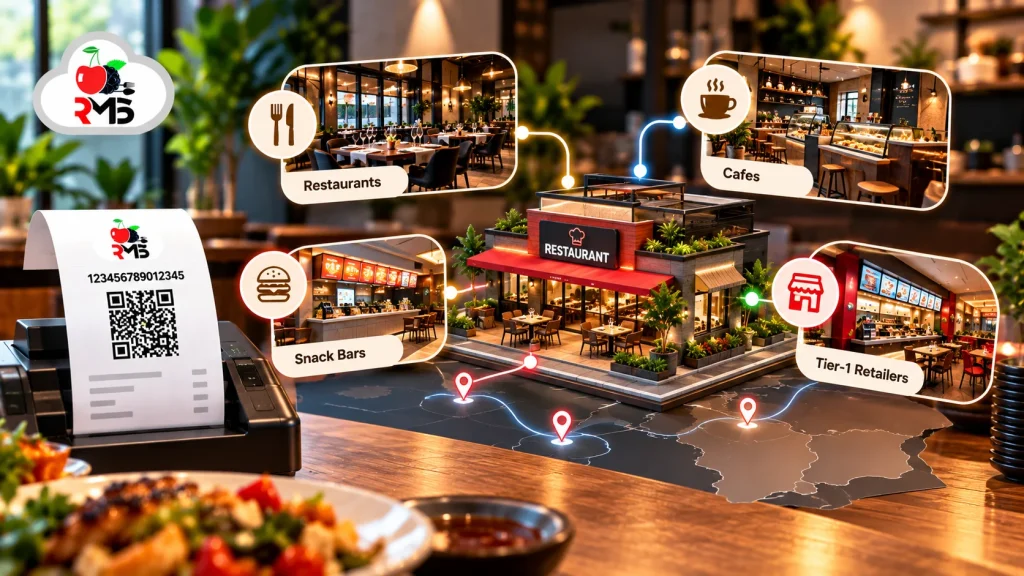
Two groups must connect their POS systems to FBR, and they overlap. One is Tier-1 retailers, a category set out in section 2(43A) of the Sales Tax Act, 1990. The other is restaurants, snack bars, and cafes, which are covered by Chapter XIV-A of the Sales Tax Rules, 2006, whether or not they qualify as Tier-1 retailers. FBR’s POS integration FAQs state that integration is compulsory for every restaurant.
A business is a Tier-1 retailer if any one of the following applies:
- It operates as an outlet of a chain, whether national or international
- It trades from an air-conditioned mall, plaza, or centre (kiosks are excluded)
- Its electricity bills for the last twelve months total more than Rs. 1.2 million
- It wholesales bulk-imported consumer goods and also sells directly to consumers
- Its shop covers 1,000 square feet or more
Uptake is already broad. According to FBR’s published figures, 1,152 restaurants had integrated across 1,792 branches by 31 August 2026. If you are unsure where your restaurant fits, ask your accountant or contact our team.
FBR POS Invoice Verification: How Customers Verify an Invoice Is Valid
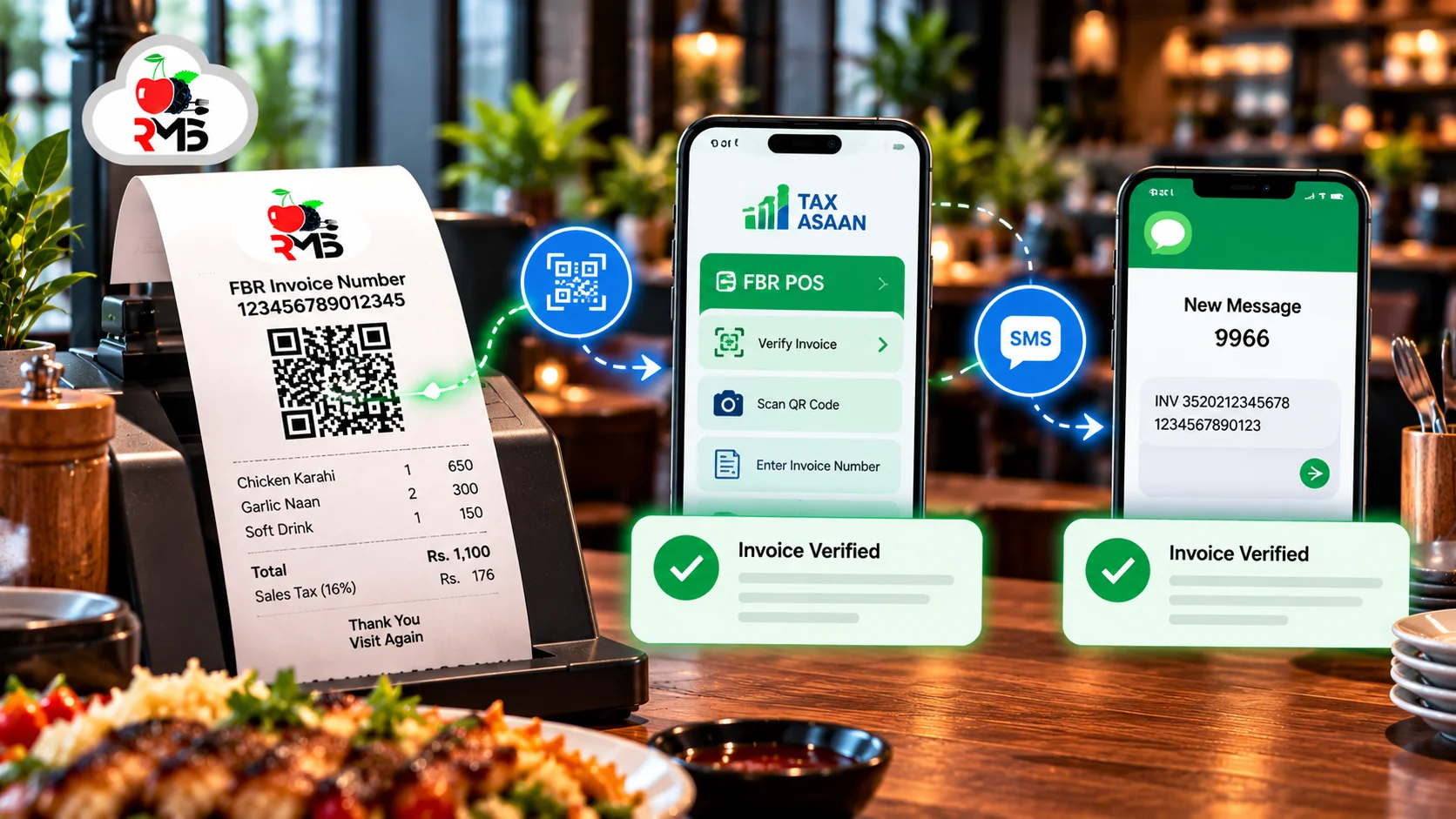
Each integrated receipt shows an FBR invoice number and a QR code so that customers can confirm the sale was reported. FBR offers two routes:
- Tax Asaan app: go to the “FBR POS” menu, choose “Verify Invoice”, then scan the receipt’s QR code or type in the invoice number.
- SMS: send a text to 9966 in the format INV, CNIC number, FBR invoice number, with a space between each part.
Either route tells the customer whether the invoice is verified or not. Being able to check a receipt in seconds earns guest confidence and shows that every sale at your restaurant is on record.
A Smoother Way to Stay Compliant!
Let your billing report itself. Give cashiers a POS that takes care of the FBR invoice number and QR code, give managers a live view of every outlet, and take one worry off your own plate. Curious how CherryBerry RMS would set up your restaurant’s POS integration? Our experts are a call away!
Why Restaurants Choose CherryBerry RMS for FBR POS Invoicing
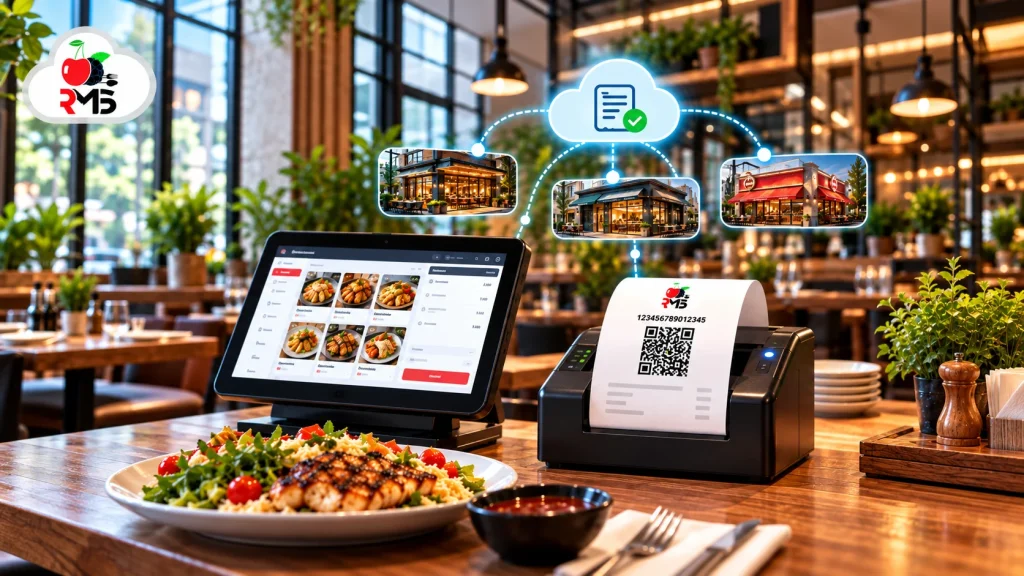
FBR invoicing, billing, kitchen management, online ordering, and the Rider App all sit on the one CherryBerry RMS platform. In practice, that gives your restaurant the following:
One Platform, Not Two
Your FBR integrated POS is part of the Cloud POS itself, not a second tool sitting beside your billing software.
Made for Restaurant Operations
Orders from the dining room, counter, phone, WhatsApp, and delivery all reach one POS queue, so staff use a single screen, whatever the source.
All Tax Authorities in One Place
FBR, PRA, and AJK reporting share one POS, which suits restaurants operating across Pakistan’s regions.
Grow Without New Equipment
Opening another outlet does not call for extra servers or hardware, and the new location shows up on your existing dashboard.
Service That Carries On
Connection problems do not stop your counter, so your team keeps serving guests.
Local Support
Our team offers onboarding, full training, and round-the-clock support for the features we provide.
FAQ’S
Frequently Asked Questions
Couldn’t find what you are looking for? write to us
It is a POS system that reports every transaction to the Federal Board of Revenue in real time and puts an FBR invoice number and QR code on the printed receipt. Reporting happens sale by sale instead of in an end-of-day batch, and customers can verify each invoice themselves.
Yes. FBR’s POS integration FAQs say every restaurant, snack bar, and cafe must integrate under Chapter XIV-A of the Sales Tax Rules, 2006, whether or not it is a Tier-1 retailer. Check your own situation with your accountant, and contact us if you want your POS integrated.
Yes. When a bill is closed, CherryBerry RMS creates the FBR invoice number and QR code and reports the sale to FBR in real time, with no manual step in between.
In the Tax Asaan app, open “FBR POS”, choose “Verify Invoice”, then scan the QR code or key in the invoice number. Alternatively, text 9966 with INV, the customer’s CNIC number, and the FBR invoice number, separated by spaces.
Yes. Besides FBR, the system supports reporting to provincial authorities such as PRA and to AJK, for restaurants outside FBR’s federal scope.
Billing carries on. Staff can reopen the system on another connected device and continue ringing up orders, and the data syncs once the internet returns.
Yes. You can run several outlets from a single system and dashboard, and watch each one’s sales live.
Yes. The POS belongs to the same CherryBerry RMS suite as Online Ordering, WhatsApp AI Ordering, and the Rider App. Orders from those channels join the same POS queue as counter orders, so nothing is entered twice.
FBR can act under section 33 of the Sales Tax Act, 1990. Its POS integration FAQ mentions a Rs. 1 million penalty for Tier-1 retailers that fail to integrate, with sealing of premises and a sales embargo possible if non-compliance continues, along with a 15% cut to adjustable input tax. Penalties may have changed, so confirm the current position with your accountant or tax adviser.
Pricing depends on the size and needs of your business, so there is no single figure. Contact our team for a personalised quote, and book a free demo to see the system working first.
Yes. We help with onboarding and train your whole team, and our support is available 24/7 for the features we offer.
Your sales data sits in the cloud behind role-based permissions, so only authorised staff can open sensitive records. Backups are kept securely apart from the live system, so one failure does not wipe out your data.
Ready to Make Every Sale Compliant?
Every hour spent on tax paperwork is an hour away from your guests. Let CherryBerry RMS take care of the FBR invoice number, the QR code, and live reporting at the till while you concentrate on your food and your customers. Want to see it in action?